Description
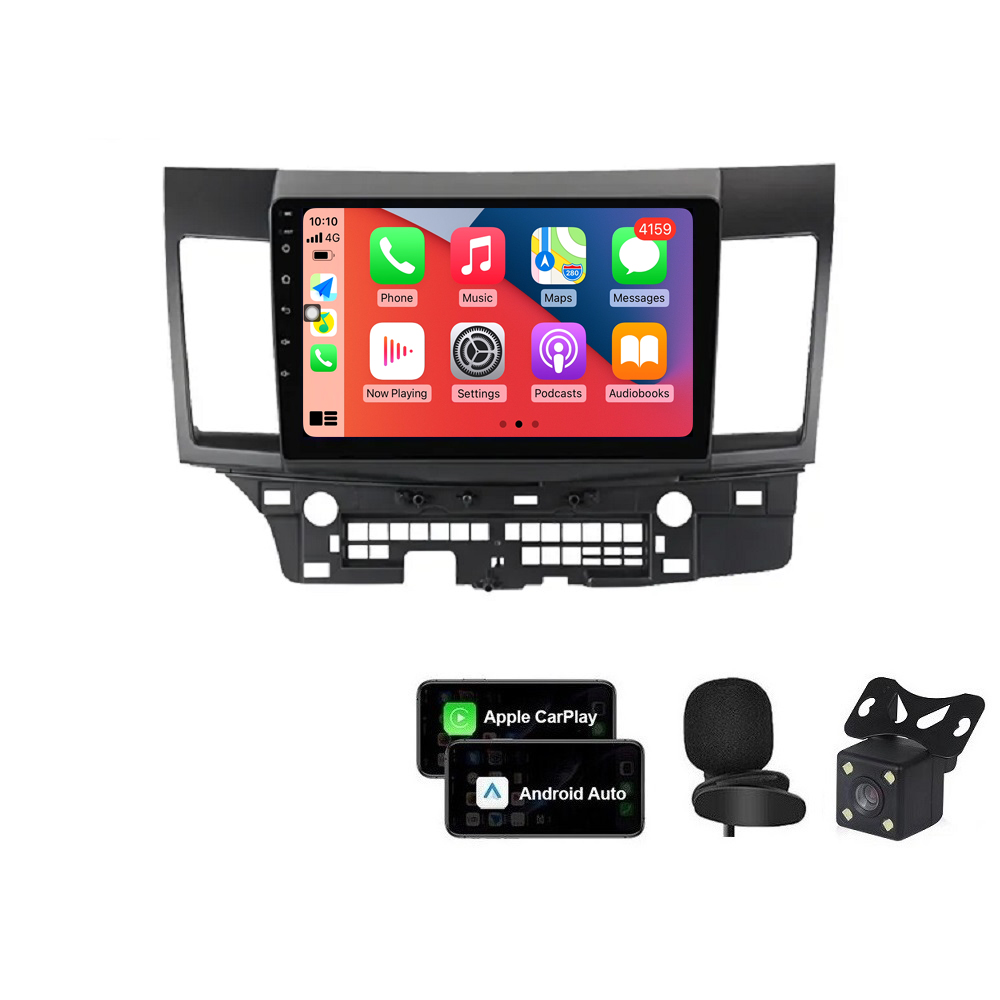
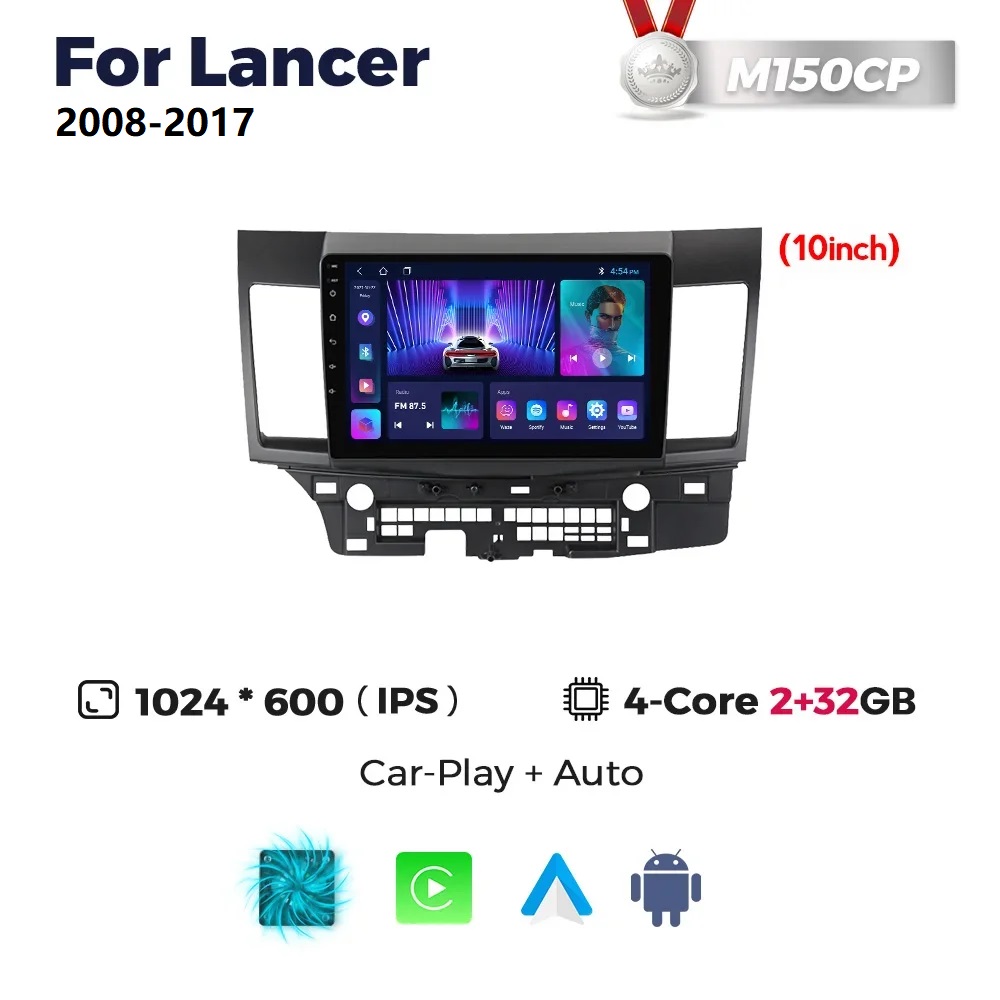
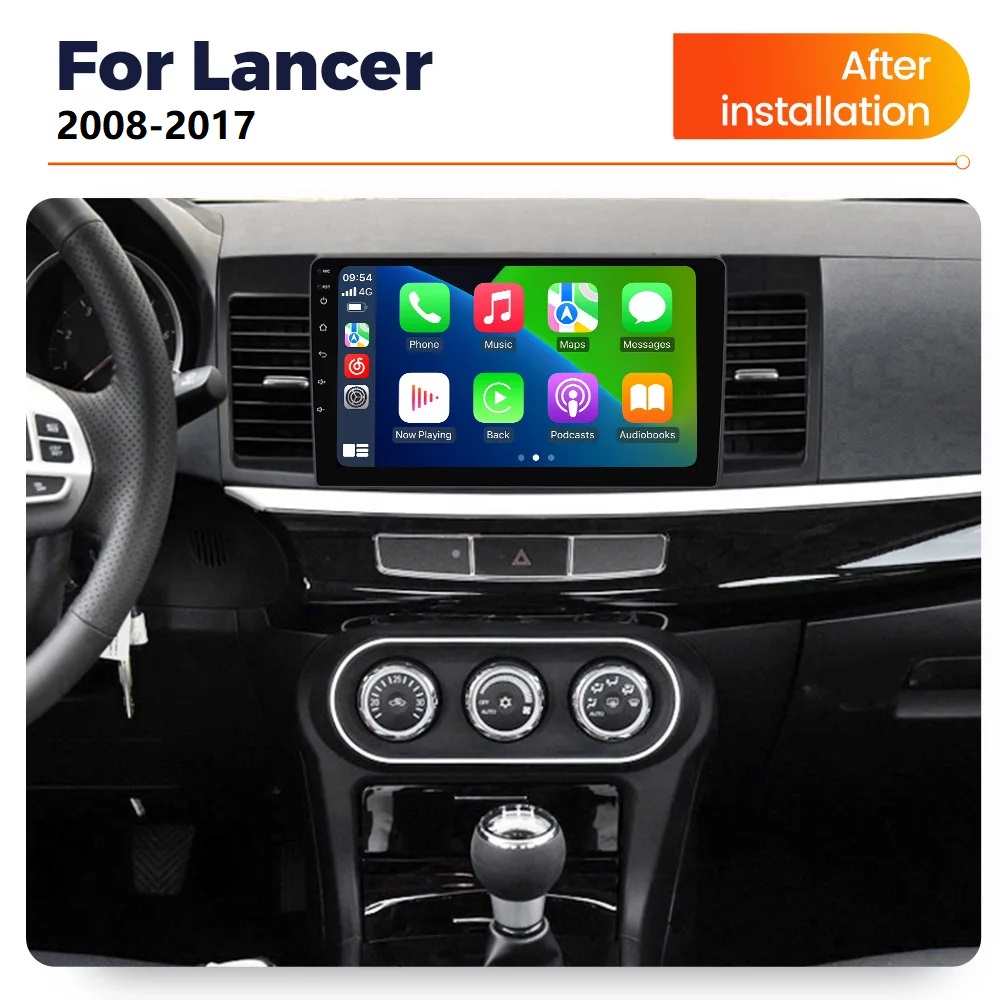
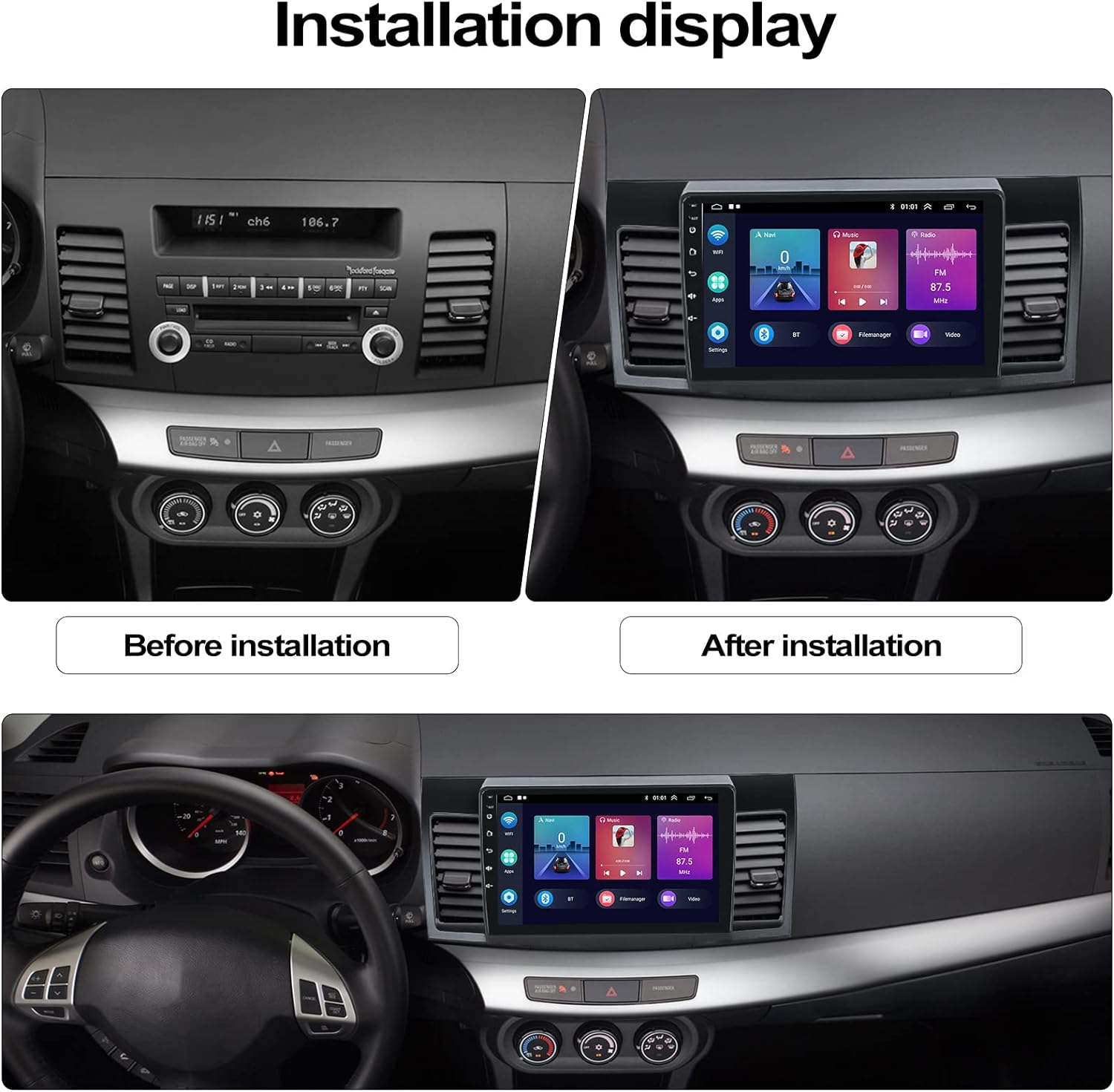
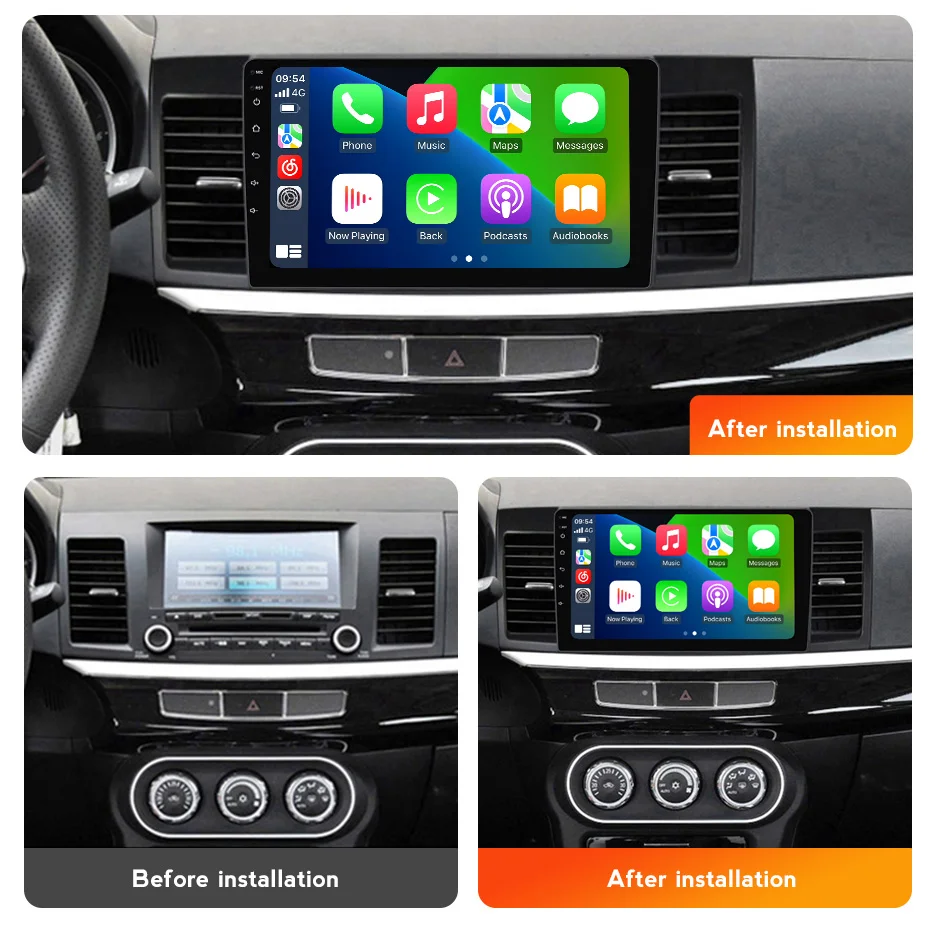
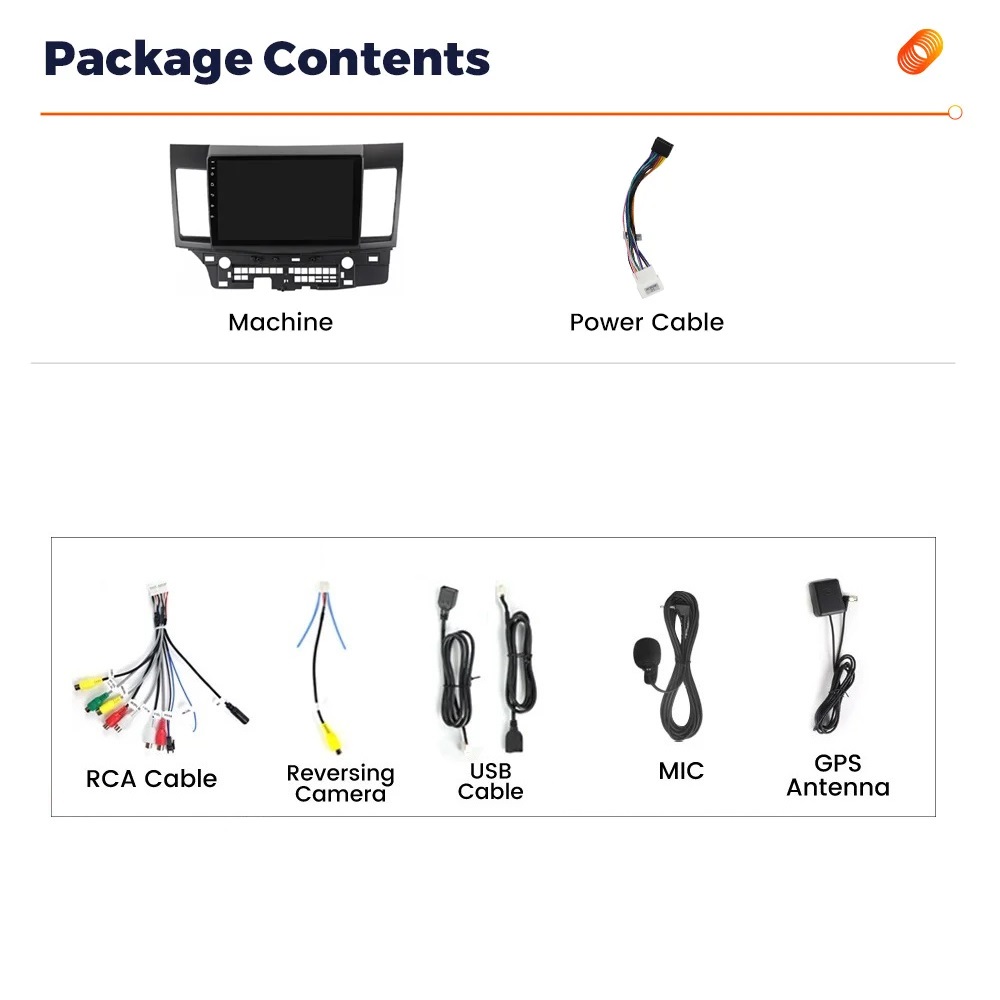
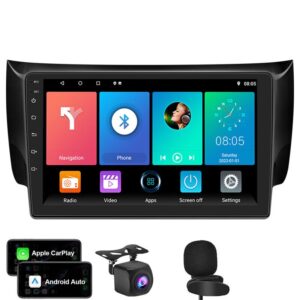
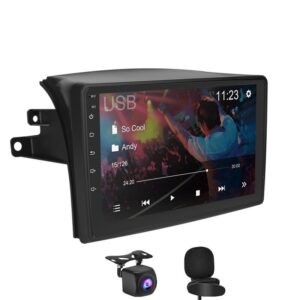
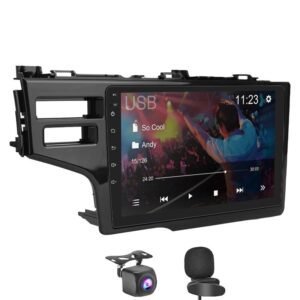
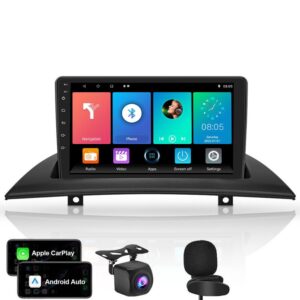
【Applicable Models & Years】Easy install, Plug and Play touchscreen radio, come with well connected harness. Head unit Fit For Mitsubishi Lancer 2008-2017
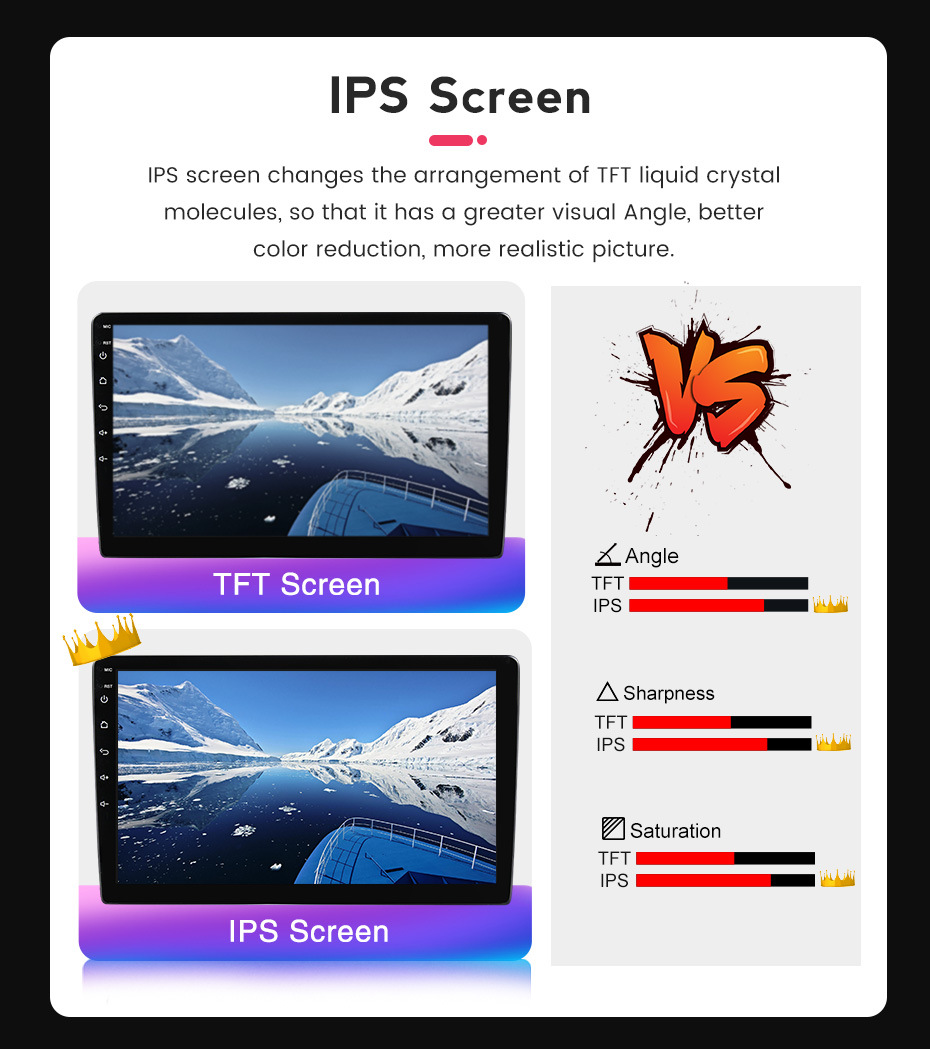
【Super Hardware and Software】Android car radio. 2GB RAM + 32GB ROM, High Performance, Low Power Consumption, More faster and Stable, IPS capacitive touch screen.
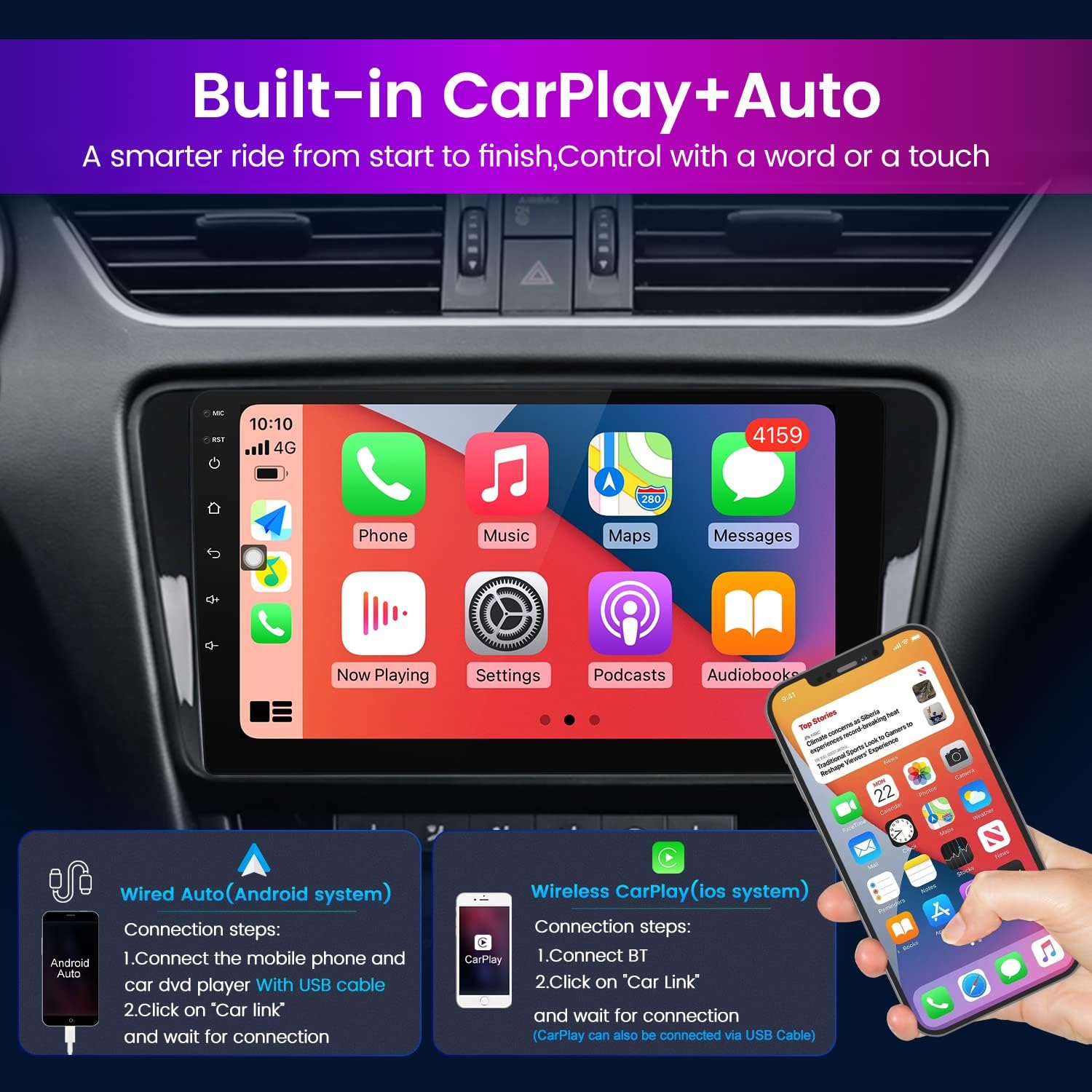
【Carplay/Android Auto】wired Android and wireless Apple Carplay. Built-in Wireless Carplay/Android Auto, Talk to Siri to Make Phone Calls, Built-in Microphone Picks up Your Voice. Get GPS Directions, Listen to the Music, Send and Receive Messages.
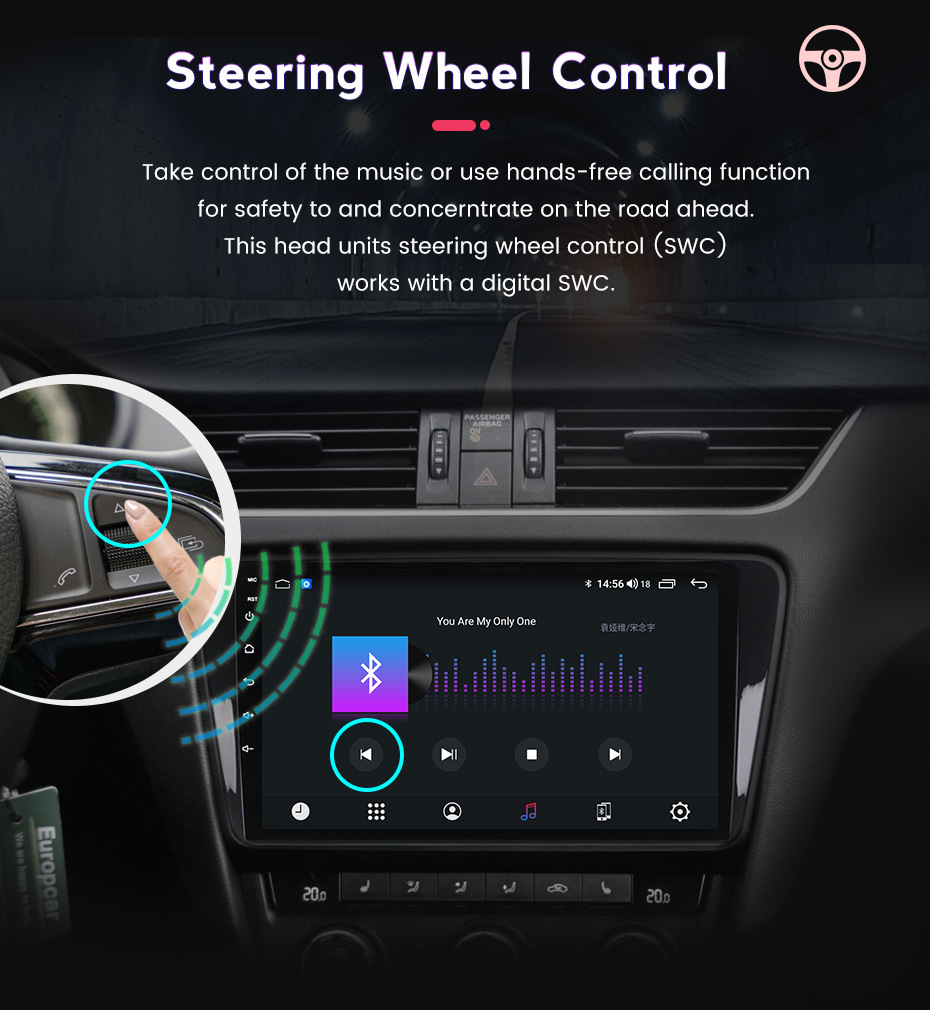
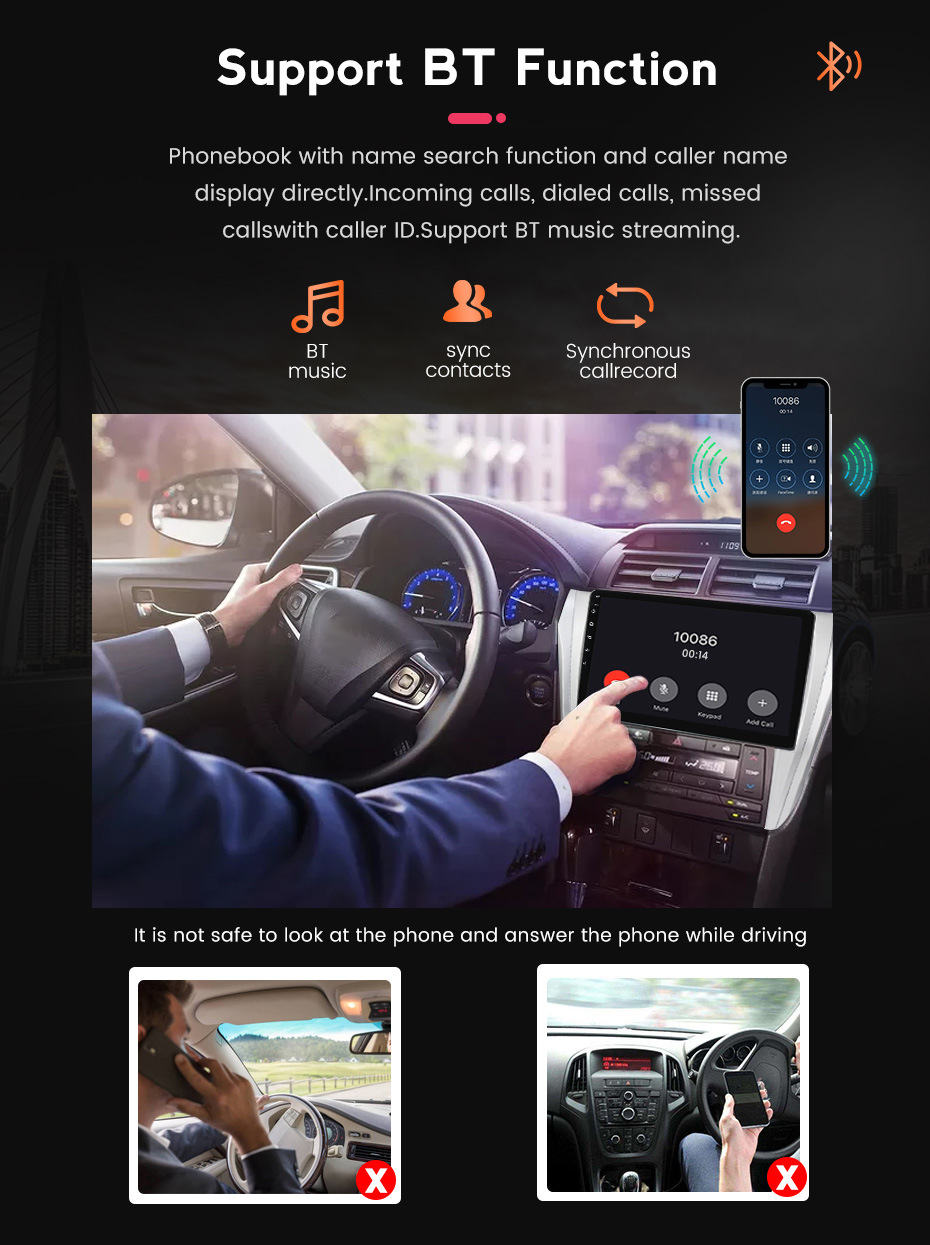
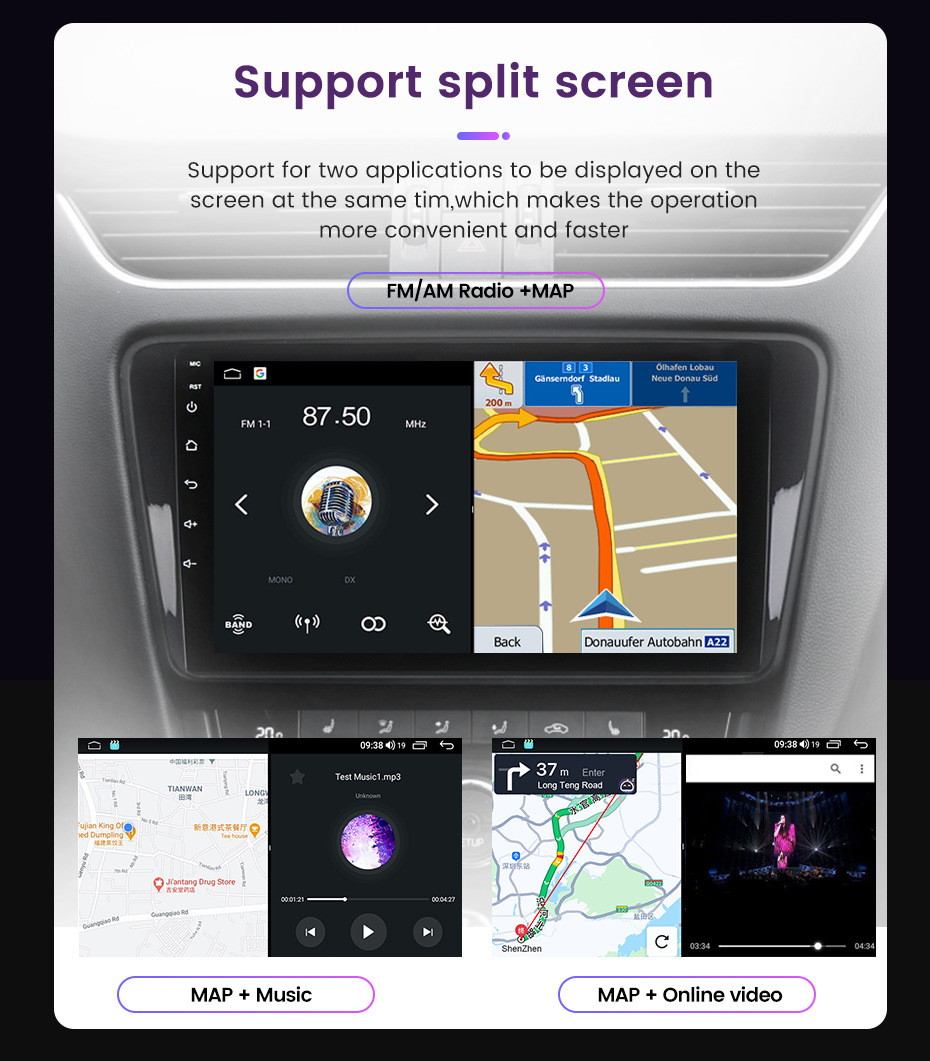
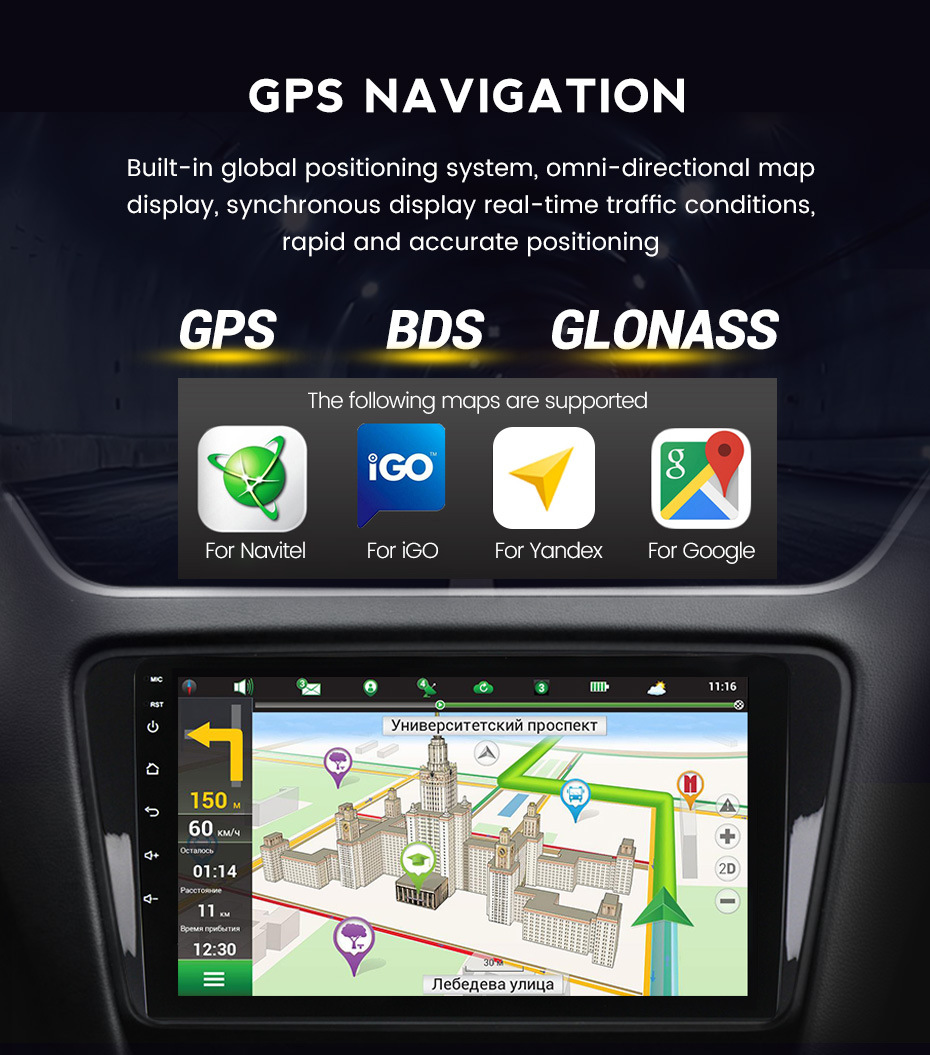
【Multifunction】Split Screen Function, Hands-free Phone Call & Tethering Internet, GPS Navigation( Online Maps With Internet Connecting, Such as Google Map, Sygic, Waze ect., Support 3D Maps ).Steering Wheel Control.
【Support】We provide 7*24 hours of after-sales technical support to solve your installation and operation problem.If you have any questions about the installation or the product itself, please contact us by message, we will reply your solution within 24 hours.
If you received any problem items,please contact us at sales@car-part-shop.com,
we will confirm the problem and reply you ASAP and give a best solution for this,Please don’t worry we are responsible for any possible issues.
It’s our responsibility to solve the problem until you satisfied.
Installation Reminder:
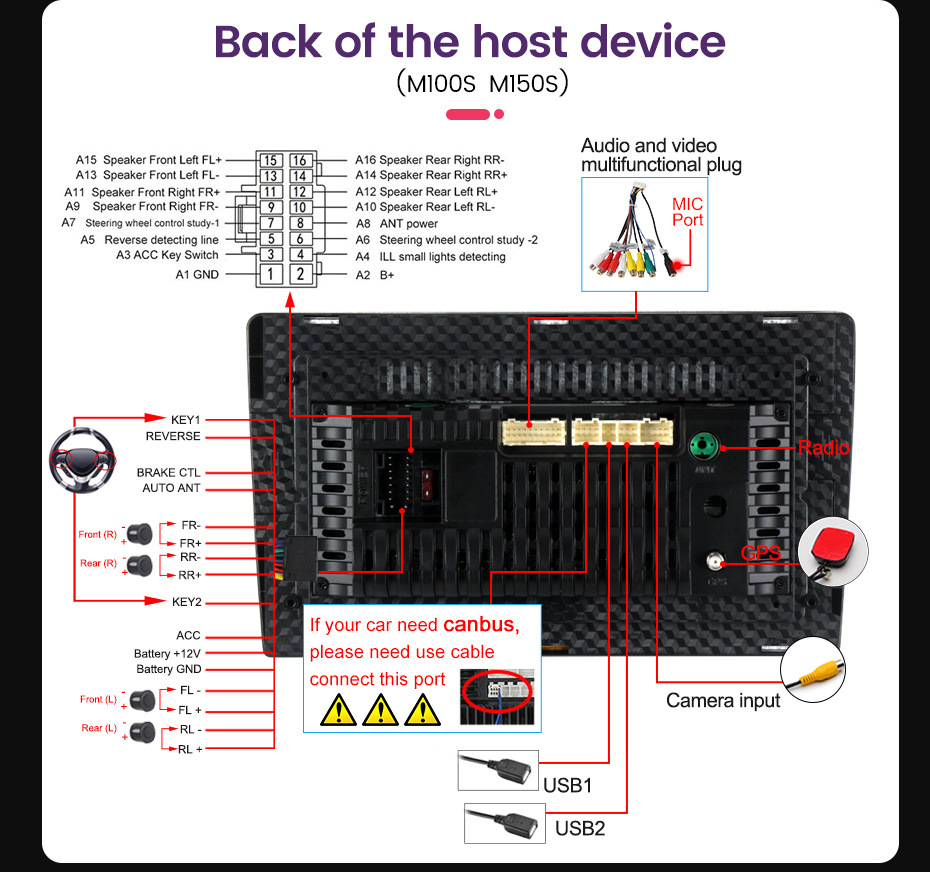
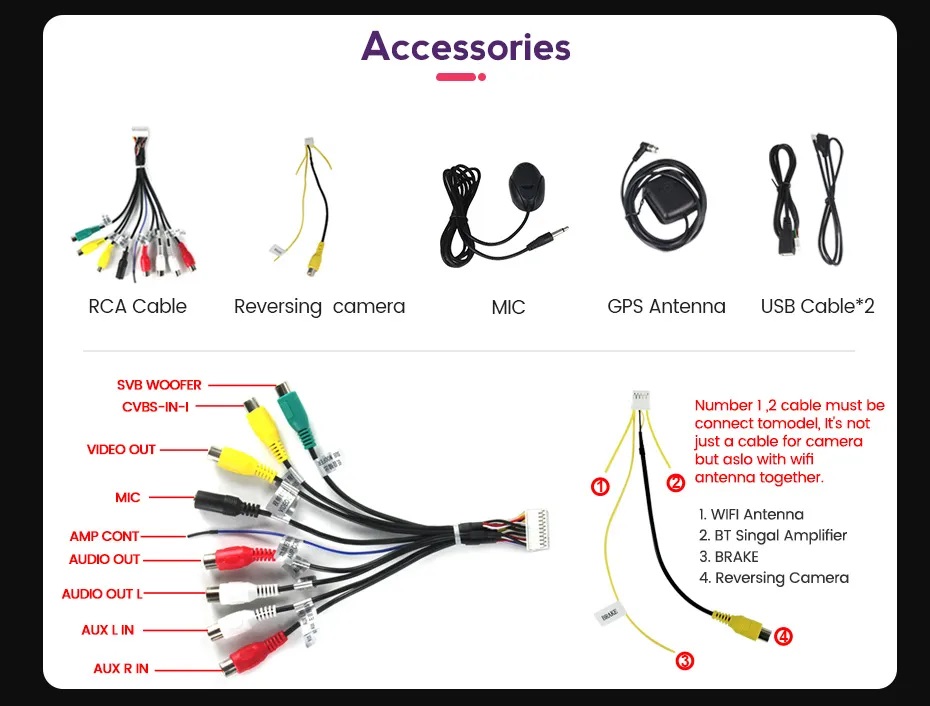
1 . For vehicles that require installation with a CANBUS box, after checking and connecting all the cables properly and powering on, please first connect to Wi-Fi. Then go into the vehicle settings menu and select the correct options for your car, including the CANBUS box brand, car model, and year. Since vehicle names may vary by country, we recommend trying several options if needed.
The standard for confirming that the vehicle settings are correct is that the steering wheel controls work normally.
2. The standard for verifying whether the wiring is correct is to check if the main power cable plug matches the original car’s main power plug.
The standard for verifying whether the unit is damaged is whether it can power on.
If both of these points are fine, you can proceed with the installation confidently.
If you encounter other issues, they are usually related to settings or software. These can often be resolved by:
Pressing the RST button on the left side of the screen to restart.
Entering Factory Settings and performing a factory reset.
Complete list of passwords for settings may be: 1234, 123456, 8888, 3368, 7890, or 666888.
Aiden Bennett (verified owner) –
it is very enjoyable to work with. it is really a great stereo.