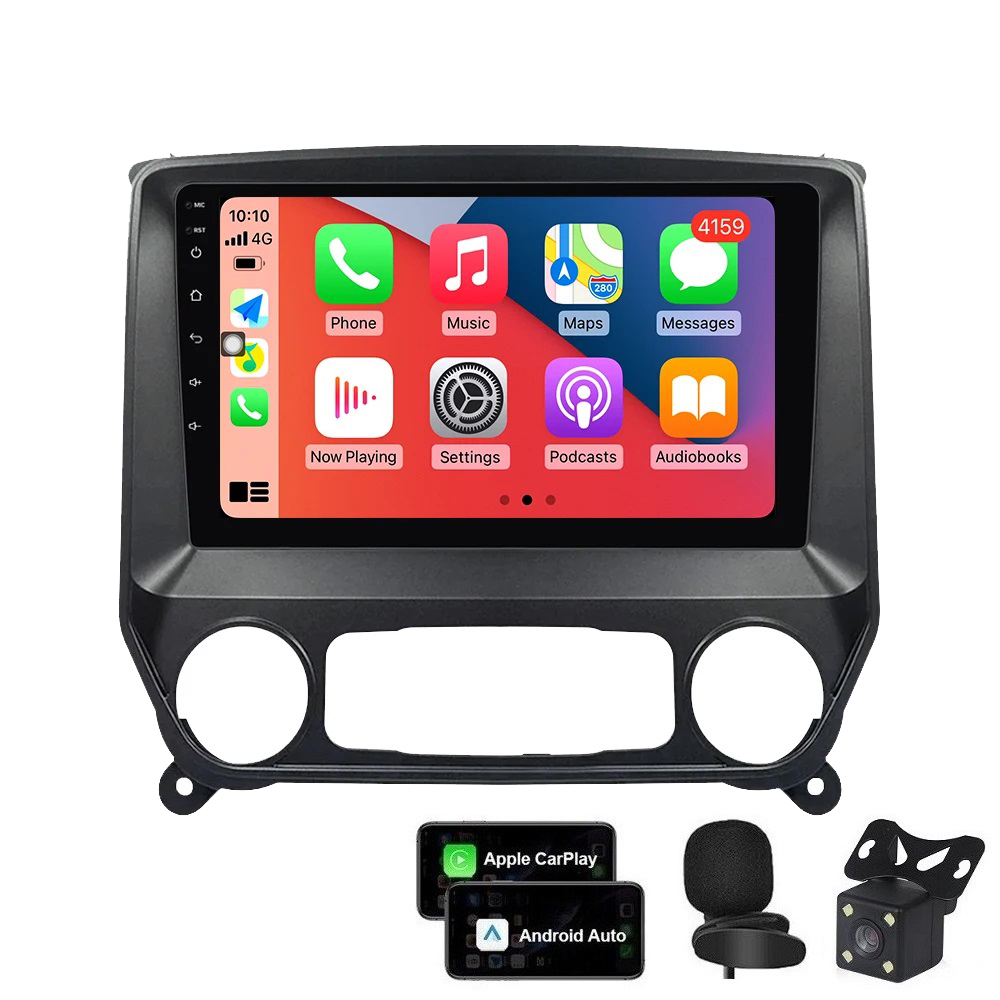
Description
【Applicable Models & Years】Easy install, Plug and Play touch screen radio, come with well connected harness. Head unit Fit For Chevrolet Silverado 1500 2500 3500 2014-2018 (No Bose system)
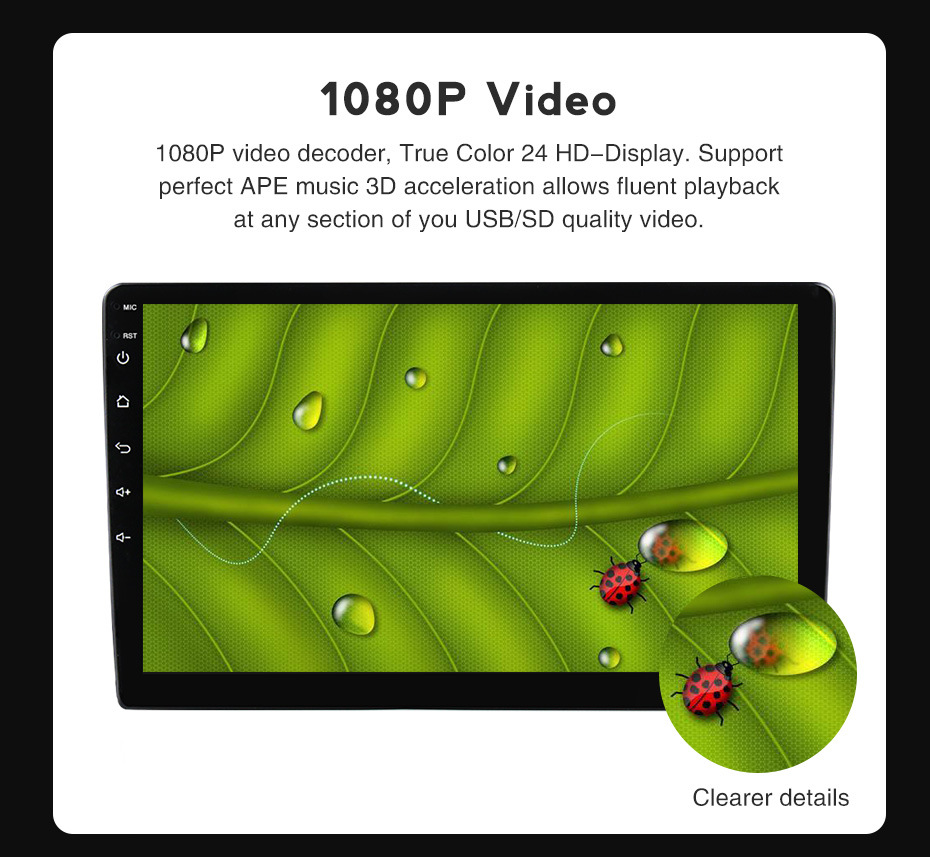
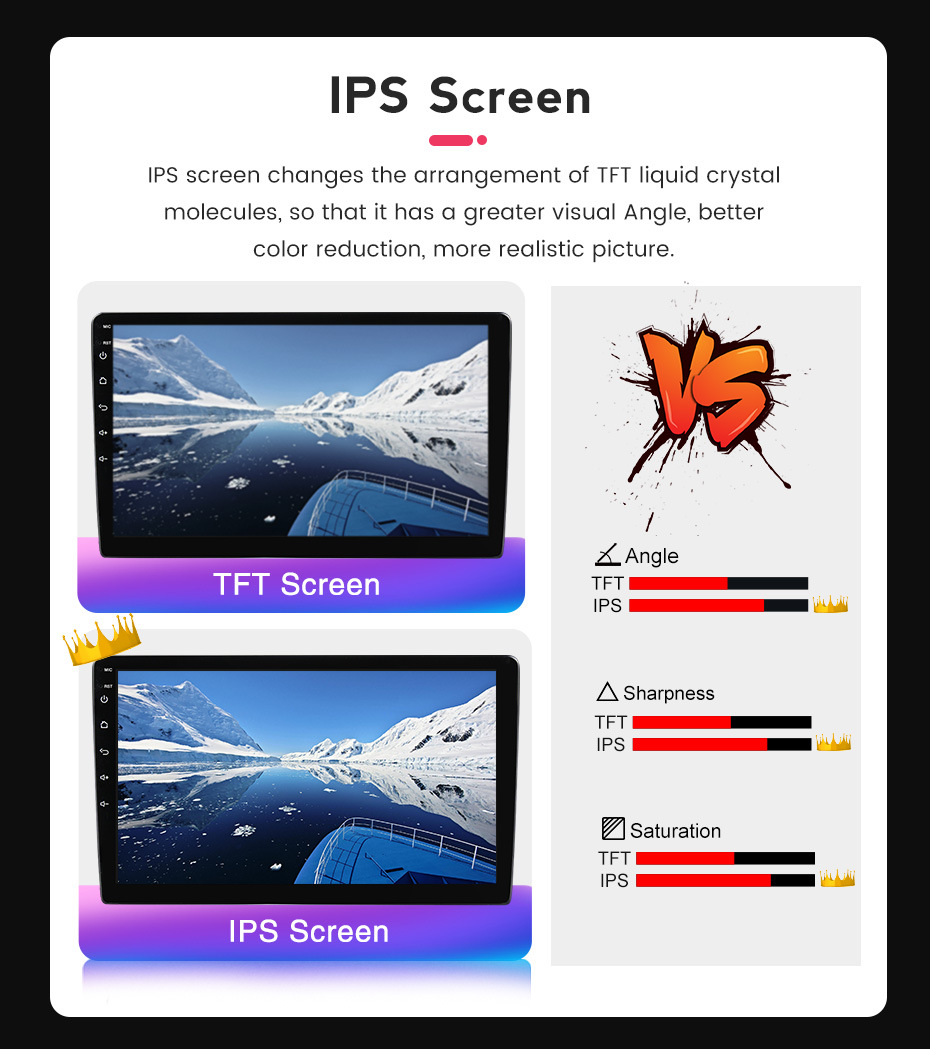
【Super Hardware and Software】Android car radio. 2GB RAM + 32GB ROM, High Performance, Low Power Consumption, More faster and Stable, IPS capacitive touch screen.
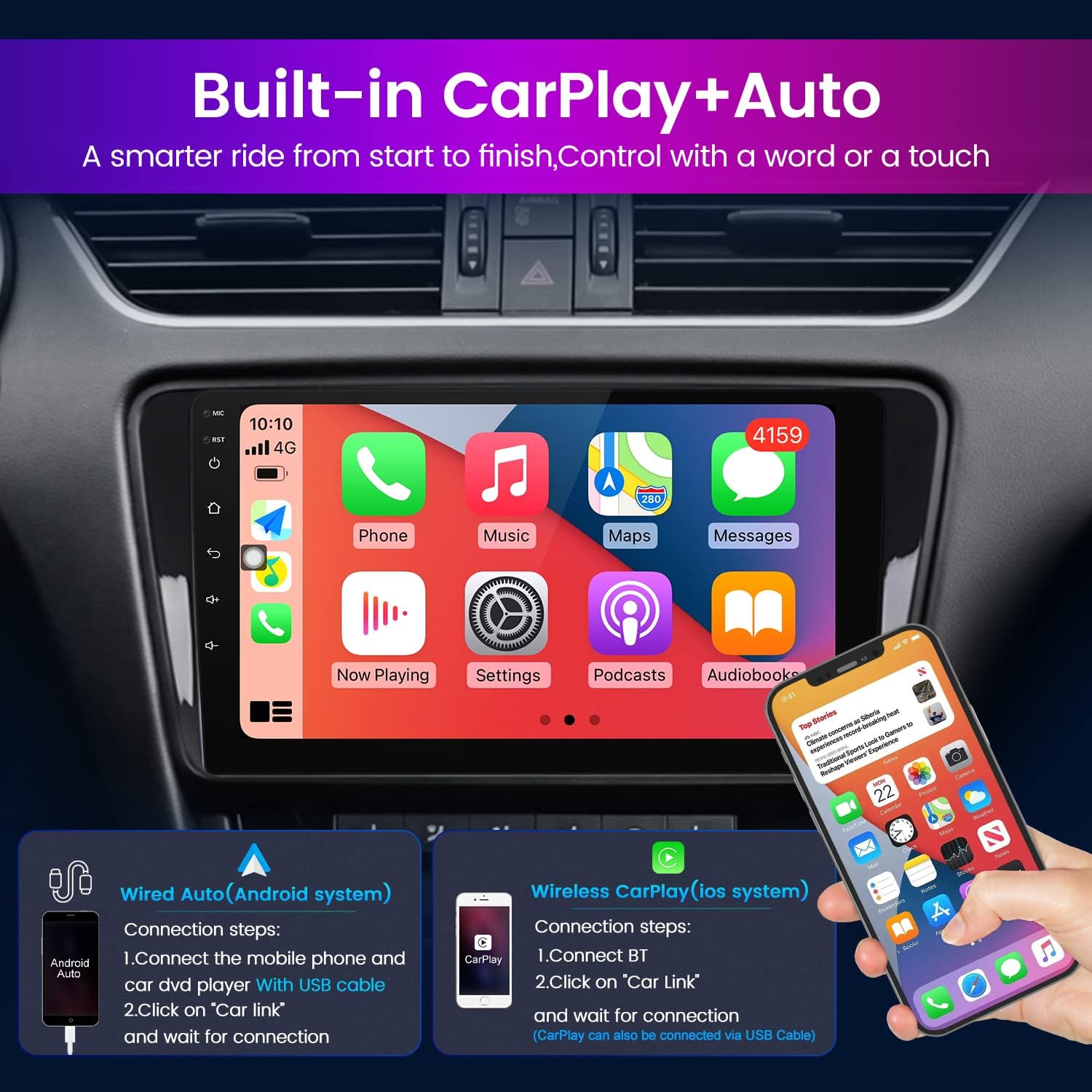
【Carplay/Android Auto】wired Android and wireless Apple Carplay. Built-in Wireless Carplay/Android Auto, Talk to Siri to Make Phone Calls, Built-in Microphone Picks up Your Voice. Get GPS Directions, Listen to the Music, Send and Receive Messages.
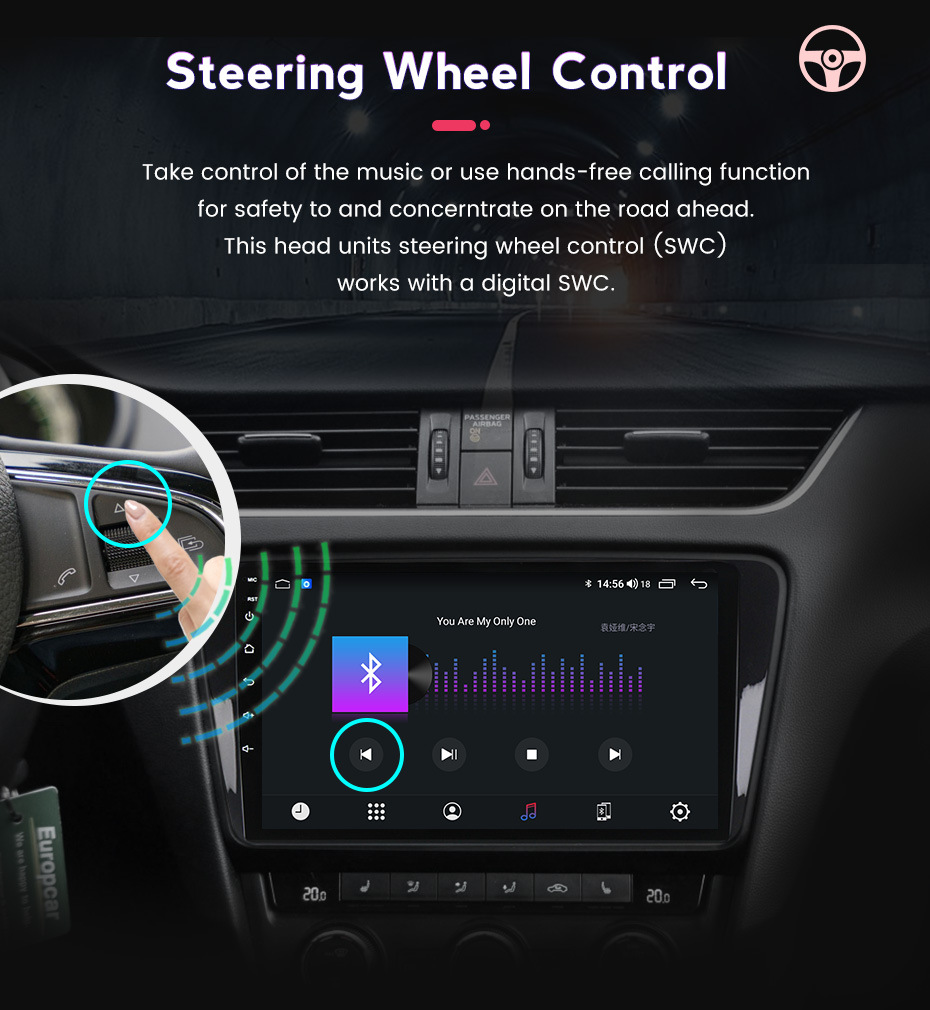
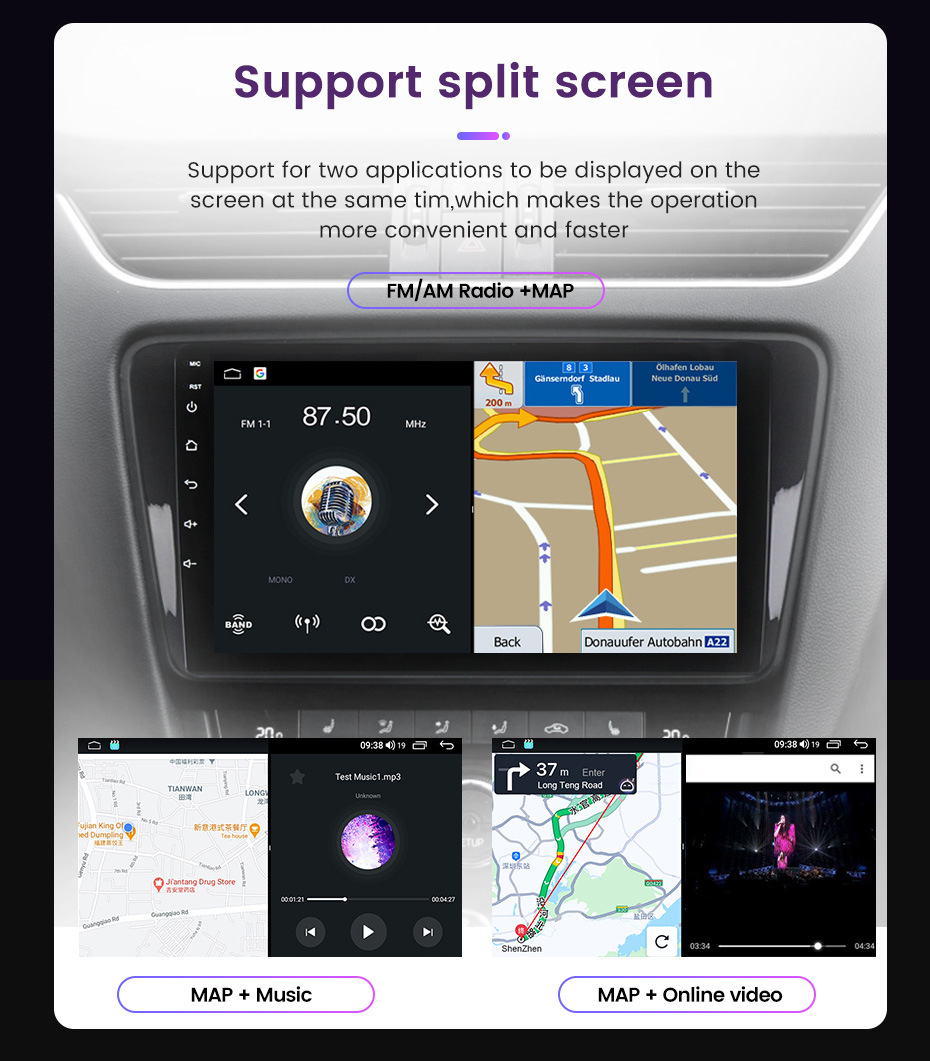
【Multifunction】Split Screen Function, Hands-free Phone Call & Tethering Internet, GPS Navigation( Online Maps With Internet Connecting, Such as Google Map, Sygic, Waze ect., Support 3D Maps ).Steering Wheel Control.
【Support】We provide 7*24 hours of after-sales technical support to solve your installation and operation problem.If you have any questions about the installation or the product itself, please contact us by message, we will reply your solution within 24 hours.
If you received any problem items,please contact us at [email protected],
we will confirm the problem and reply you ASAP and give a best solution for this,Please don’t worry we are responsible for any possible issues.
It’s our responsibility to solve the problem until you satisfied.

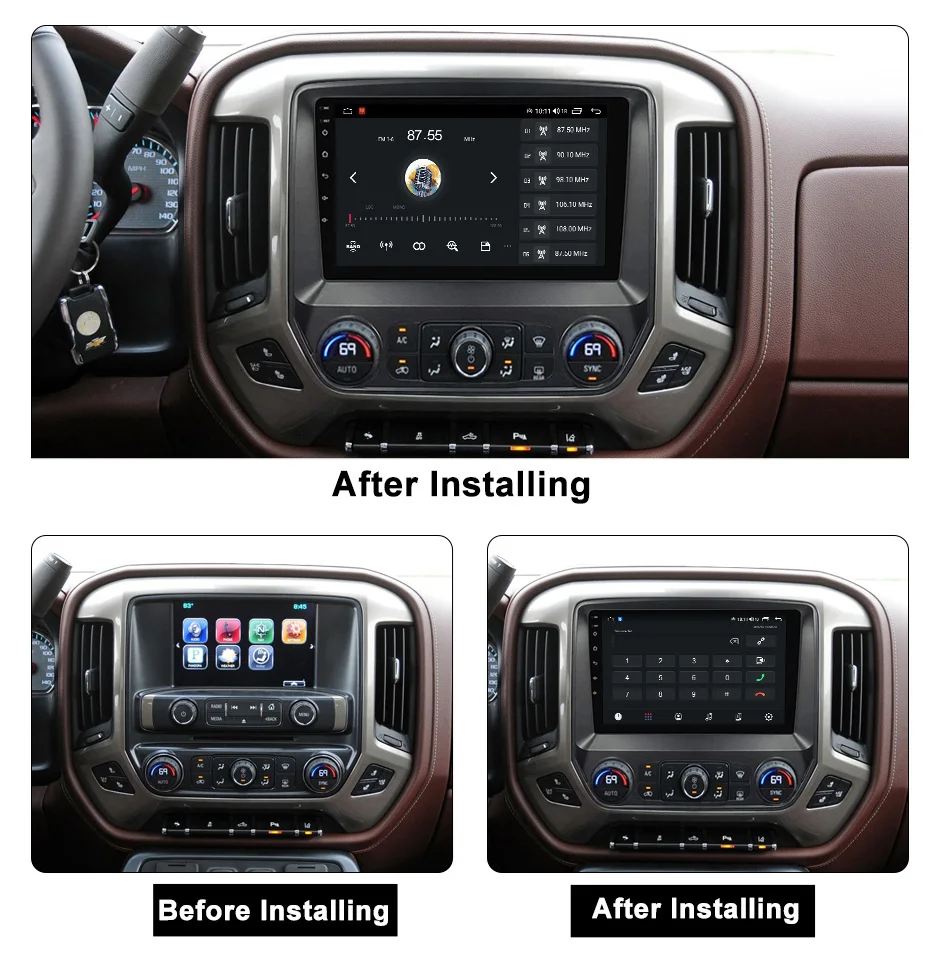

Installation Reminder:
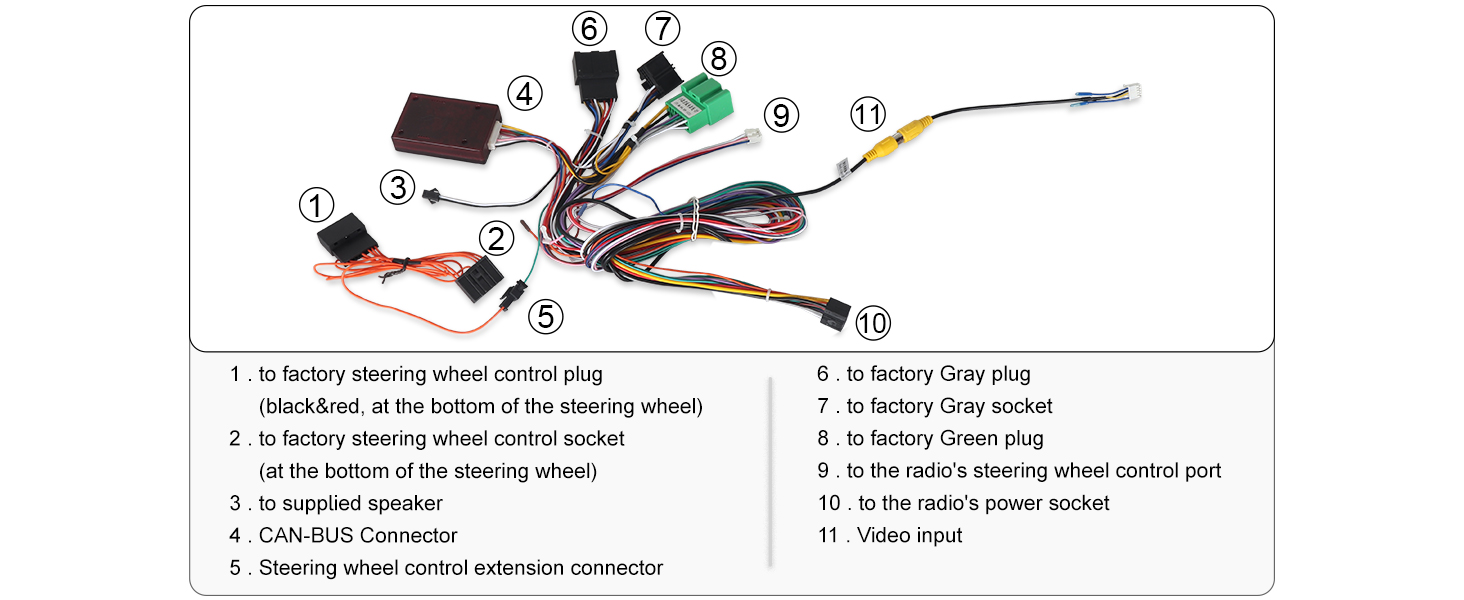
1 . For vehicles that require installation with a CANBUS box, after checking and connecting all the cables properly and powering on, please first connect to Wi-Fi. Then go into the vehicle settings menu and select the correct options for your car, including the CANBUS box brand, car model, and year. Since vehicle names may vary by country, we recommend trying several options if needed.
The standard for confirming that the vehicle settings are correct is that the steering wheel controls work normally.
2. The standard for verifying whether the wiring is correct is to check if the main power cable plug matches the original car’s main power plug.
The standard for verifying whether the unit is damaged is whether it can power on.
If both of these points are fine, you can proceed with the installation confidently.
If you encounter other issues, they are usually related to settings or software. These can often be resolved by:
Pressing the RST button on the left side of the screen to restart.
Entering Factory Settings and performing a factory reset.
Complete list of passwords for settings may be: 1234, 123456, 8888, 3368, 7890, or 666888.
Features:
●Mirror link: Mirror Link replicates your smartphone’s screen on the car’s display, allowing seamless access to your apps and media. It enhances convenience by enabling you to use your phone’s functionalities directly from the car’s touchscreen.
●Wireless Carplay and Auto: Use your iPhone or Android phone wirelessly with the device, and control your phone’s apps. You can make calls, send messages, play music, navigate, and more with just your voice or touch.
●Built-in WIFI: WiFi connectivity enables your car system to access the internet for online navigation, streaming, and updates. This feature allowing for real-time traffic information, streaming music, and accessing various online services directly from your car.
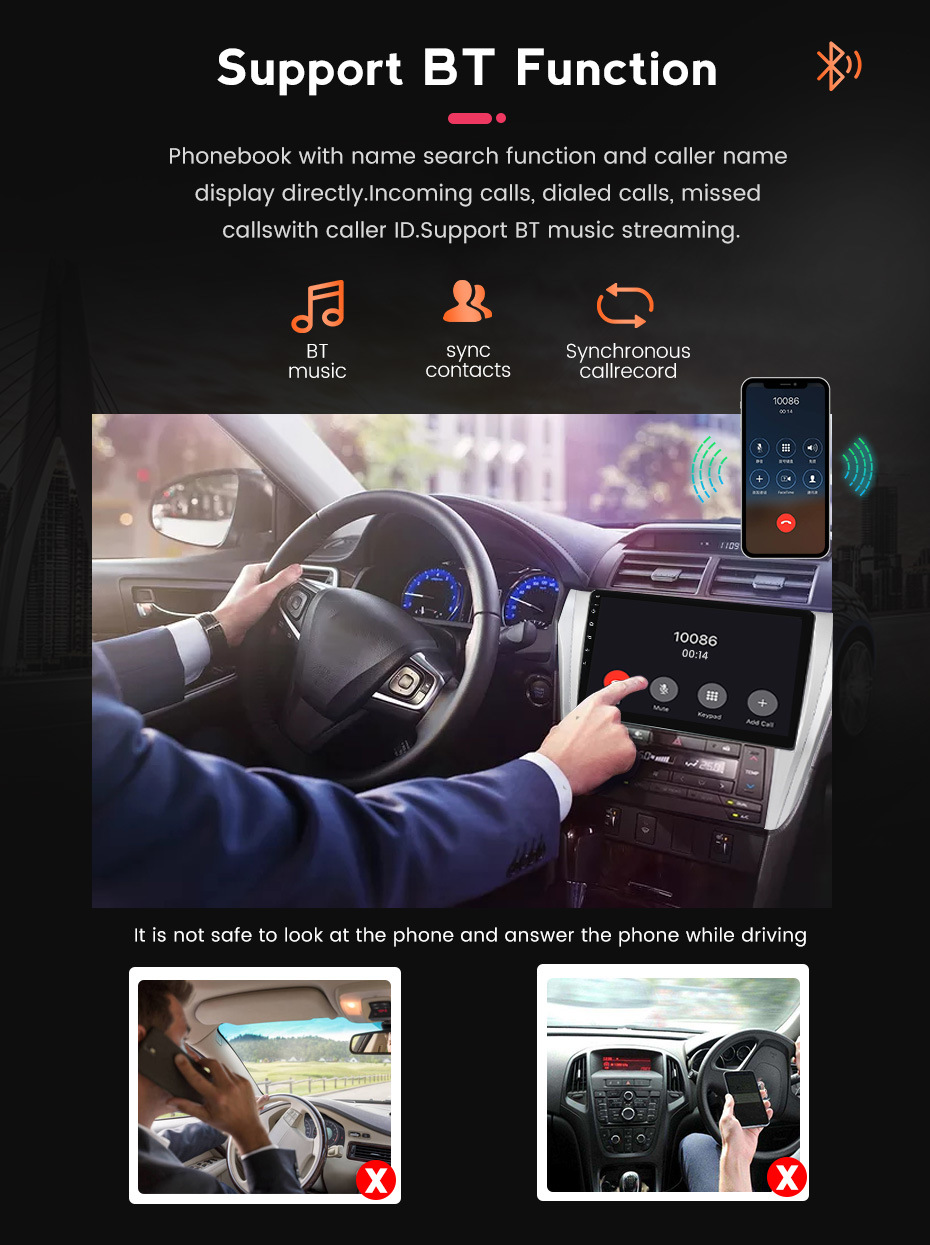
●Built-in Bluetooth: Bluetooth functionality allows you to wirelessly connect your phone or other Bluetooth devices for calls, music playback, and data transfer. It reducing cluttered cables and improving driving safety.
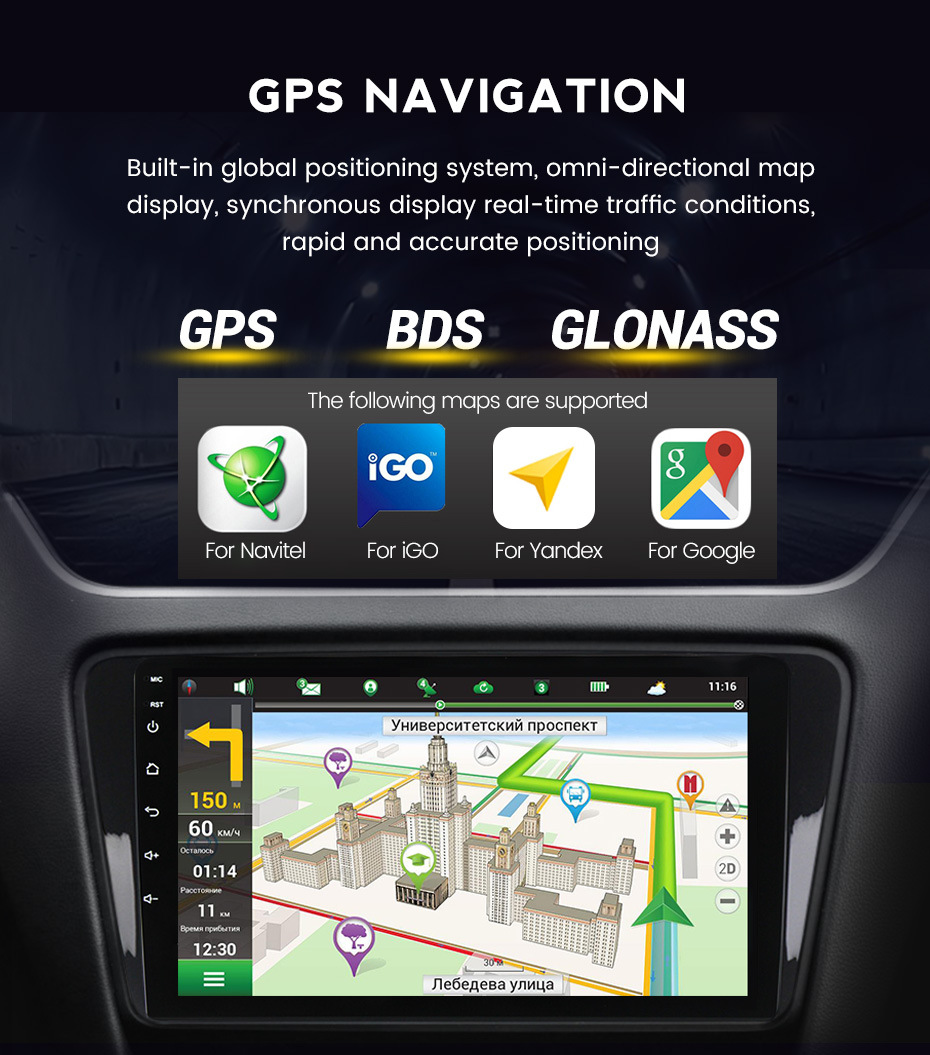
●Built-in GPS: GPS navigation provides you with accurate maps and route guidance to help you find your destination easily. It offers real-time traffic information and navigation instructions, ensuring you arrive at your destination safely and efficiently.
●Built-in FM/RDS radio: The FM/RDS radio function allows you to listen to radio stations, providing various music, news, and entertainment content.
●Split screen: The split-screen function enables you to view and use two applications simultaneously on the car’s display. This multitasking capability allows you to, for example, use navigation while controlling music, improving convenience and efficiency during your drives.
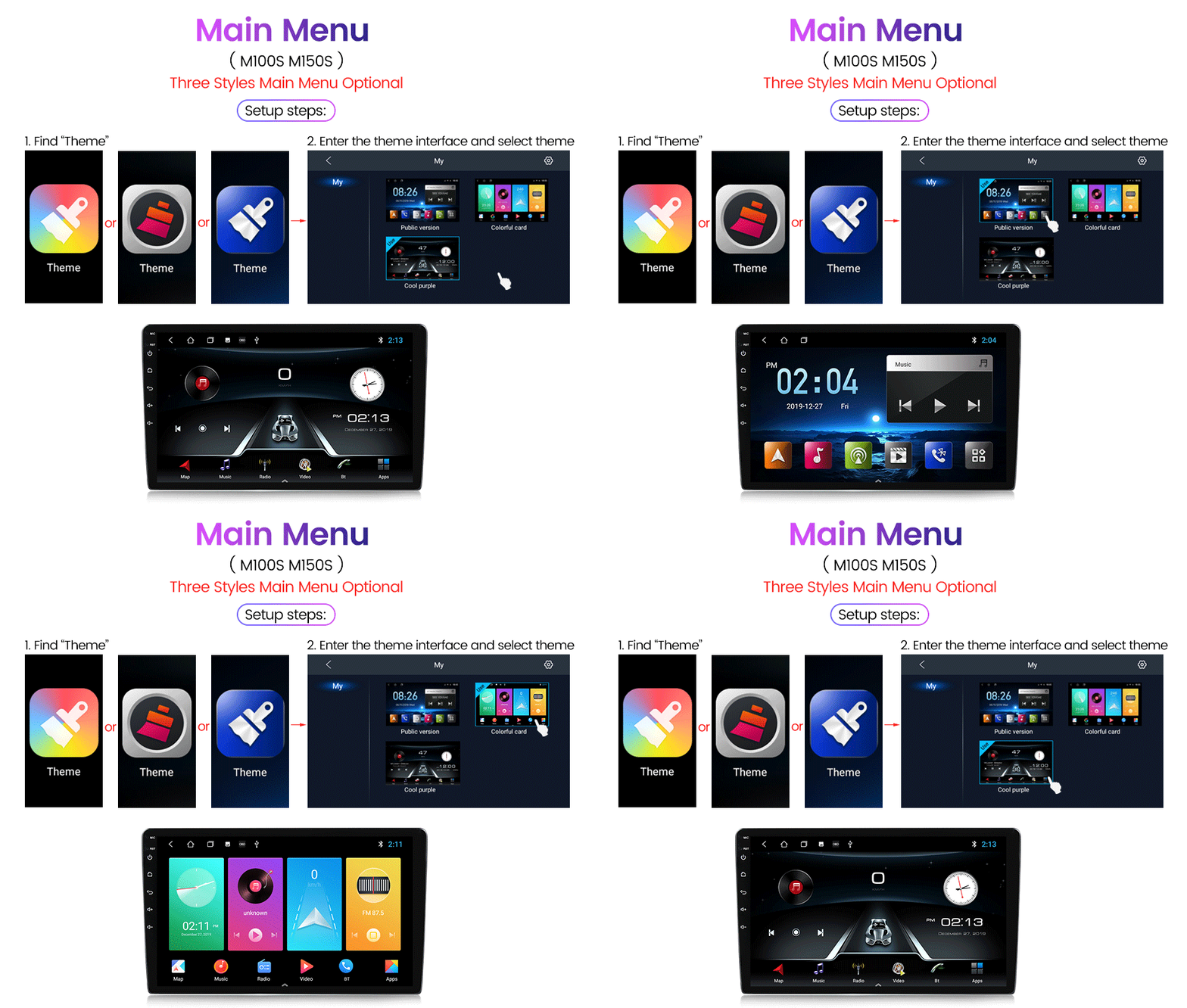
●Multiple UI chose: Multiple UI options allow you to choose from different user interface layouts and designs. It providing a personalized and visually appealing interface for interacting with the car system.
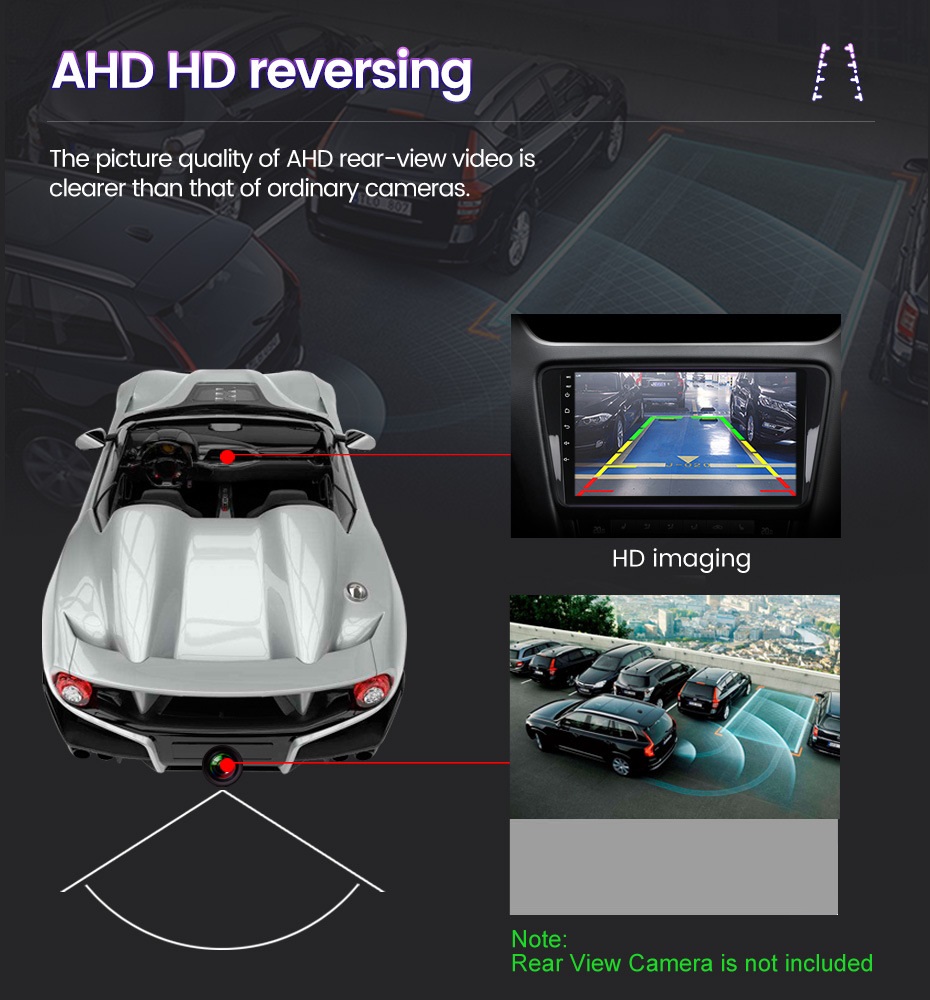
●Support reversing camera: The reversing camera provides a clear view of the area behind your vehicle, aiding in safe parking and reversing. It reduces blind spots and helps you avoid obstacles, enhancing safety and making parking maneuvers more convenient and stress-free.
Specifications:
System:Android 15
Screen size:9”
Memory:2GB (RAM)+32GB (ROM)
Screen resolution:1024*600
Power output:4*45W
Bluetooth Version: 5.0
Work temperature:-20℃-75℃
Steering wheel control function:Support
Radio Band:FM/RDS
Video output:Support
Reversing input: AHD/CVBS
External microphone: support
Split screen: support
Maps:Built-in offline maps(requires internet to download data)
WIFI:Support
USB:Double USB interface
Audio format:APE/FLAC/WAV/MP3/WMA etc
Video format:MKV/RMVB/AVI/MP4/MDV etc
Picture format:PNG/JPEG/JPG/GIF/WBMP/BNP etc
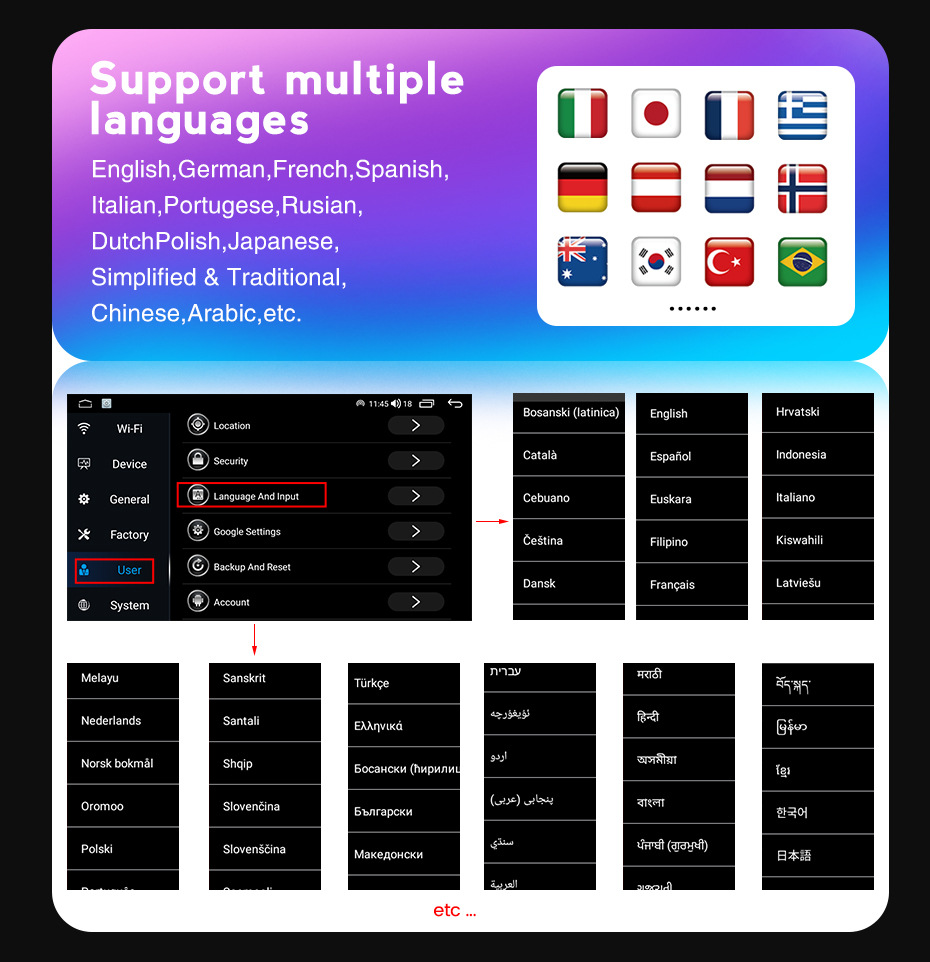
Language:Chinese/English/French/Italian/Korean/Japanese/Arabic/Spanish/Portuguese/Russian/Turkish/Vietnamese/Hebrew/Polish/German
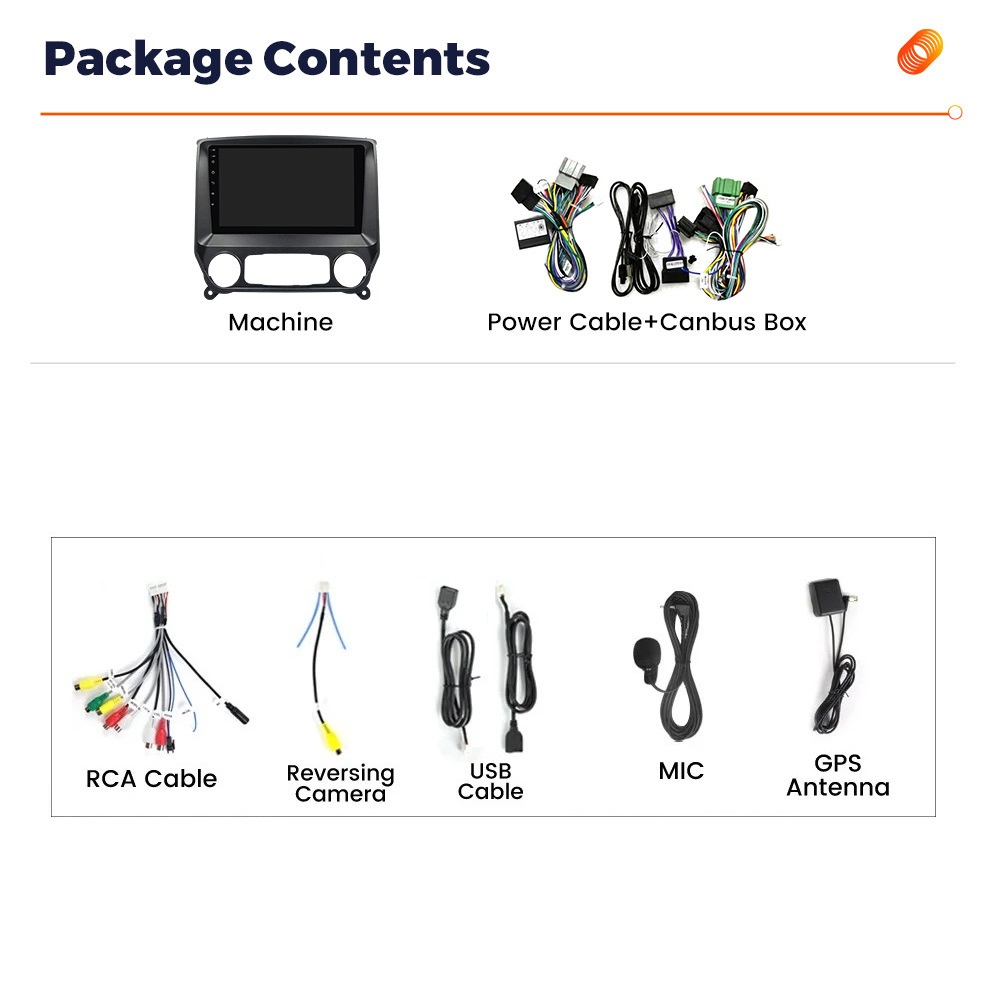
Packing List:
1 x Car Player
1 x Power Cable
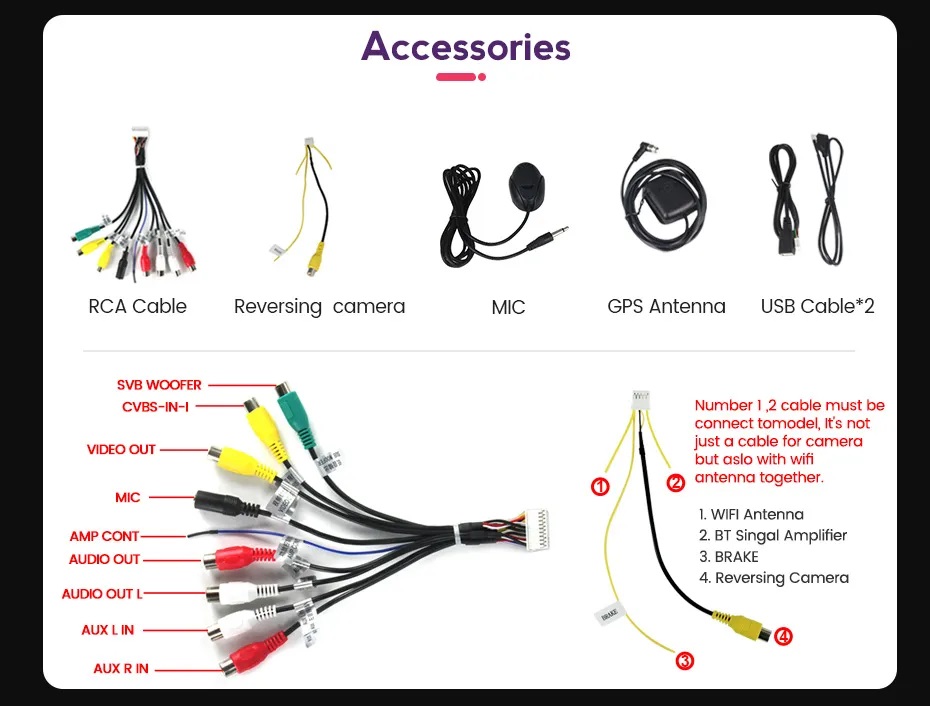
1 x RCA Cable
1 x USB Cable
1 x Instruction manual
1 x GPS Antenna
1 x Camera Input
1 x Canbus
1 x Adapter antenna
Tips:
1.Why can’t turn on the car radio ?
1.1 Please check the Voltage of car radio:12V
1.2 When you test this car radio,you can combine the red and yellow wires and connect them to the positive side of the power supply.Black line to negative power supply.
1.3 Replace the same type of insurance to test the car radio.
Note: Please must use our power cables to connect our car radio,it is not possible to insert the original car plug directly into our machine.
2.Why the car radio will show “No Signal” when we reversing?
Please check if the camera’s line is properly connected to the car radio.
Note:The video port of rear camera must insert the “CAMIN” port of car radio.
3.Why does the camera display “!” and “Can’t watch video while driving” when I use USB to watch videos?
Please turn off the “Video Warning” function in the settings,then will be OK.
4.Why can’t search FM?
4.1 No radio antenna inserted;
4.2 Please check if the radio antenna is plugged in. Please insert more antennas several times to make it well contacted;
4.3 The signal of your location is not good. Please go to a better place to test again
4.4 The radio antenna on the car is broken/no effect; please replace the radio antenna and test again.


Mia Kelly (verified owner) –
Great product!
Isabelle Parker (verified owner) –
Their service and updates were awesome, fast and exactly what I expected. A little mechanic skill will do the work. Highly recommended.
Sophia Richardson (verified owner) –
Installing was easy and paired up quickly